Install  Ethernet Hotspot on Linux ARM Device
Ethernet Hotspot
Share your WiFi connection with other devices, using an Ethernet cable
This is useful for when you only have one WiFi adapter, but you want multiple devices to use that one internet connection, without buying any additional hardware.
With this script, I'm using a Raspberry Pi's built-in ethernet port to share its internet connection to other downstream devices.To connect multiple devices downstream, use an ethernet switch.
To run: Menu -> System Tools -> Ethernet Hotspot
To run in a terminal: sudo ethernet-hotspot
Fortunately, Ethernet Hotspot is very easy to install on your Linux ARM Device in just two steps.
- Install Pi-Apps - the best app installer for Linux ARM Device.
- Use Pi-Apps to install Ethernet Hotspot.
Compatibility
For the best chance of this working, we recommend using the latest LTS of Ubuntu or Debian from your hardware manufacturer.
Ethernet Hotspot will run on either an Ubuntu/Debian ARM32 OS or ARM64 OS.
Install Pi-Apps
Pi-Apps is a free tool that makes it incredibly easy to install the most useful programs on your Linux ARM Device with just a few clicks.
Open a terminal and run this command to install Pi-Apps:
wget -qO- https://raw.githubusercontent.com/Botspot/pi-apps/master/install | bashFeel free to check out the Pi-Apps source code here: https://github.com/Botspot/pi-apps
Install Ethernet Hotspot
Now that you have Pi-Apps installed, it is time to install Ethernet Hotspot.
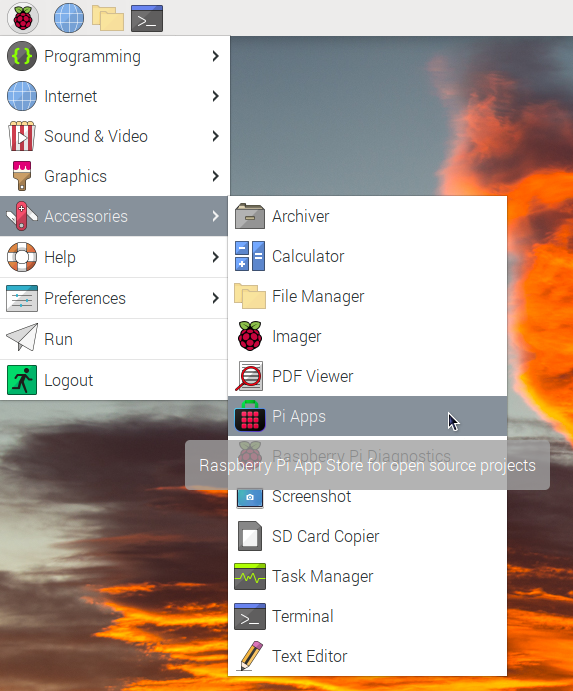
First launch Pi-Apps from your start menu:
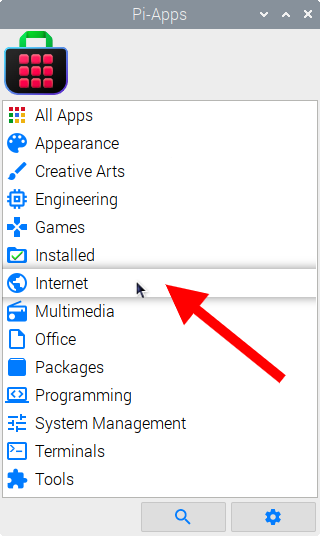
Then click on the Internet category.
Now scroll down to find Ethernet Hotspot in the list.
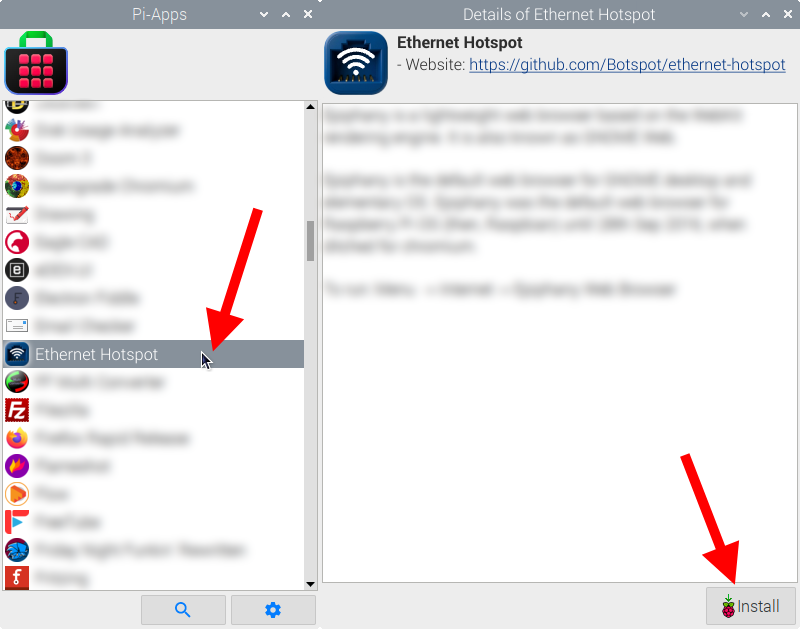
Just click Install and Pi-Apps will install Ethernet Hotspot for you!
Pi-Apps is a free and open source tool made by Botspot, theofficialgman, and other contributors. Find out more at https://pi-apps.io